The Bambu Lab A1 Mini is forgiving on filament — it’ll print decently with almost anything you load. But “decently” and “great” are different, and a few specific filaments make the A1 Mini sing. This guide picks the 5 best filaments for the A1 Mini in 2026, based on diameter consistency, AMS compatibility, color saturation, and real-world print quality on the A1 Mini’s specific hardware.
TL;DR — what to buy
| Use case | Filament | Price | Why |
|---|---|---|---|
| Default everyday PLA | Bambu Lab PLA Basic | $20 | Native AMS RFID, perfect Bambu profile match |
| Best budget alternative | Sunlu PLA+ | $15 | Cheapest reliable PLA that prints great on A1 Mini |
| Best matte finish | Polymaker PolyTerra Matte | $23 | Hides layer lines, looks premium |
| Best Bambu mid-tier | Bambu Lab PLA Matte | $25 | RFID + matte finish in one |
| Best PETG step-up | Overture PETG | $22 | First non-PLA filament most A1 Mini owners try |
Bottom line: start with Bambu Lab PLA Basic in black or white, add Sunlu PLA+ when you want to stock up cheaply, and try Polymaker PolyTerra Matte once you want your prints to look more professional. Those three cover 95% of what an A1 Mini owner needs.
Why filament matters more on the A1 Mini than you’d think
The A1 Mini is a great printer, but it has two characteristics that make filament choice non-trivial:
-
Smaller hotend than the P1S/X1C — the A1 Mini’s hotend handles ~16 mm³/s of volumetric flow vs the P1S’s ~25 mm³/s. Cheap, inconsistent filament that the P1S can plow through often jams the A1 Mini.
-
AMS Lite compatibility — if you’ve added the AMS Lite ($160 add-on), you want filaments with Bambu RFID tags so the printer auto-recognizes them. Non-RFID filaments work fine in the AMS Lite but require manual material selection on every print.
These two things narrow the “ideal A1 Mini filament” list to about 5 brands. Everything else works, but works less well.
Best default: Bambu Lab PLA Basic
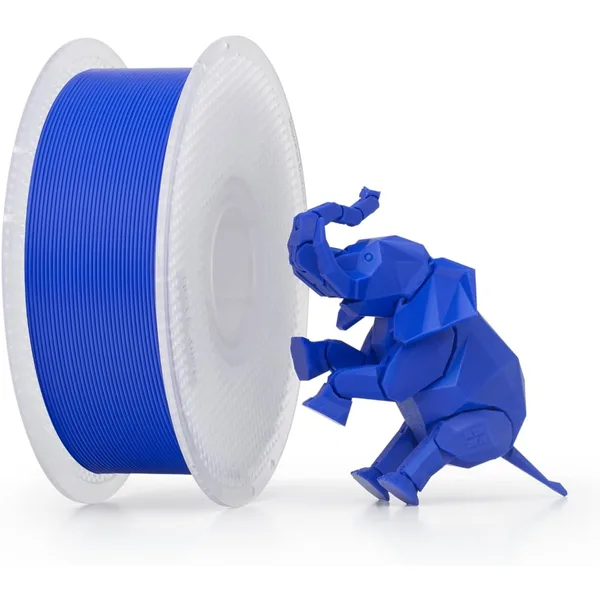
Bambu Lab PLA Basic (1kg)
$19.99Bambu Lab · mid
Tuned for Bambu printers with matching RFID profiles. If you own a Bambu, this is the default.
- $0.020 / gram
- AMS RFID auto-recognition
- Wide color selection, reliable feed
The native option. Bambu Lab PLA Basic is what your A1 Mini ships expecting — every pre-tuned slicer profile in Bambu Studio assumes this filament, and the printer’s flow rate calibration is dialed in for it.
What you get for the small premium over generic PLA:
- AMS RFID auto-recognition: drop a spool in the AMS Lite and the printer instantly knows what it is, sets the right temperature, picks the right profile. No manual fiddling.
- Tighter diameter tolerance than budget filaments — fewer extrusion inconsistencies
- Vibrant color saturation, especially in primary colors (deep reds, true blues, saturated yellows)
- Better-than-budget batch consistency — buying a second spool of the same color a year later actually matches
The trade-offs:
- $5 more per spool than Sunlu — adds up if you’re stocking 10+ rolls
- Smaller color range than Sunlu’s 60+ colors
- Cardboard spools that don’t always fit AMS Lite cleanly — minor issue but worth knowing
For a first-time A1 Mini owner who’s printing mostly downloaded models from MakerWorld, this is the right answer. The convenience-per-dollar math favors it.
Buy this for: Your default everyday filament, anyone using AMS Lite, anyone who prints in vivid colors.
Best budget: Sunlu PLA+
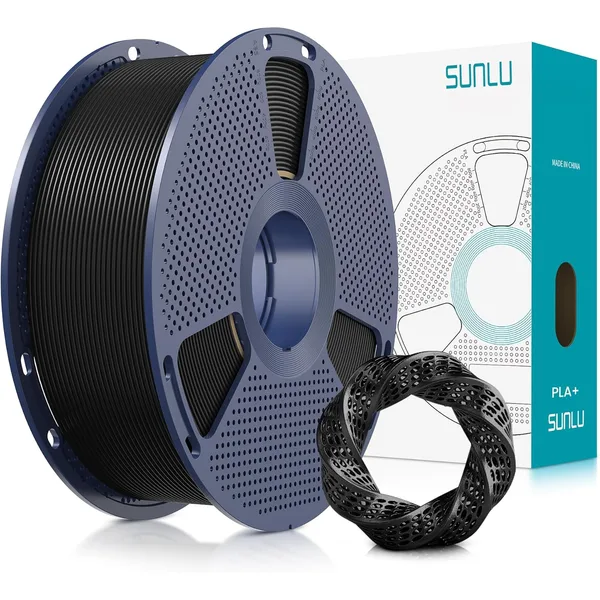
Sunlu PLA+ (1kg)
$15Sunlu · budget
The reliable budget PLA+ pick. Under $16 per spool, consistent quality, frequent bundle discounts.
- $0.015 / gram
- Dries well, prints in a wide temp range
- Huge color selection
Once you’ve used the Bambu Basic and want to stock up on more colors at a lower per-spool cost, Sunlu PLA+ is the right pick. It’s the most-recommended budget PLA in the hobby and prints flawlessly on the A1 Mini.
Why Sunlu wins the budget category for A1 Mini specifically:
- Tight enough diameter tolerance (±0.03mm) to print clean at A1 Mini speeds without jamming the smaller hotend
- Wide color range — 60+ colors active on Amazon at any given time
- Frequent bundle deals: 5-for-4 promotions drop the effective per-spool price to ~$12
- Compatible with AMS Lite (no RFID, but you can manually set the material in Bambu Studio and it stays set per slot)
- PLA+ formulation — slightly more impact-resistant than standard PLA, holds up better when kids drop their prints
Trade-offs vs Bambu Basic:
- No RFID, so AMS Lite won’t auto-detect material
- Slightly less color saturation in dark colors
- Cheaper-looking spool (cosmetic only)
Buy this for: Budget builds, bulk filament orders, anyone who prints multiple colors and wants to stock 5-10 spools without breaking the bank.
Best matte finish: Polymaker PolyTerra Matte
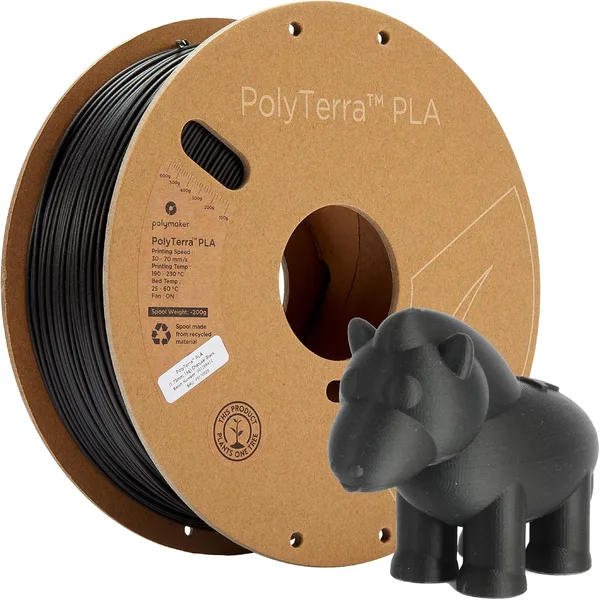
Polymaker PolyTerra Matte PLA (1kg)
$23Polymaker · mid
The matte PLA people actually rave about. Crisp matte finish hides layer lines, prints like standard PLA, recyclable cardboard spool. Comes in 30+ earth tones.
- $0.023 / gram
- True matte finish, hides layer lines
- Cardboard spool, eco-conscious
Once you’ve printed everyday glossy PLA for a few weeks, you’ll start to want matte filament for prints that need to look professional. PolyTerra is the matte PLA people actually rave about — it produces a true matte finish (not low-gloss) that hides layer lines and photographs beautifully.
PolyTerra works perfectly on the A1 Mini at default Bambu PLA settings — no special temperature, no different bed prep, no special slicer profile needed. Just load and print.
Why PolyTerra matters for A1 Mini specifically:
- Hides layer lines without sanding — important on the A1 Mini because its layer height is limited to 0.08mm minimum, and standard glossy PLA shows layers more than the larger printers
- 30+ earth tone colors that pair well together for multi-material prints
- Cardboard spool that’s actually compostable (small thing, but it matters to some buyers)
- Same Polymaker QC as their premium PolyLite line — consistent diameter and batch-to-batch reliability
The aesthetic upgrade is meaningful. Compare a glossy black PLA print to a PolyTerra matte black print of the same model — the matte one looks injection-molded.
Buy this for: Decorative prints, anything you’ll photograph or display, gift items, art pieces, anyone who wants their prints to look “pro” without post-processing.
Best Bambu mid-tier: Bambu Lab PLA Matte
If you want the convenience of AMS RFID and a matte finish, Bambu’s own PLA Matte is the right pick. It’s $25/kg vs PolyTerra’s $23 — slightly more expensive — but you get the RFID convenience baked in.
Bambu PLA Matte produces a similar matte finish to PolyTerra, with subtle differences:
- Slightly less “true matte” than PolyTerra — there’s a faint sheen at certain angles
- Better color saturation in dark colors — Bambu’s pigment chemistry is stronger
- AMS RFID auto-detection vs PolyTerra’s manual setup
- Smaller color range — Bambu has ~15 matte colors vs PolyTerra’s 30+
For AMS Lite users who value the convenience, Bambu PLA Matte is worth the $2 premium. For everyone else, PolyTerra is the better value.
Buy this for: AMS Lite owners who want matte without manual material setup. (Not in our affiliate database — search “Bambu Lab PLA Matte 1kg” on Amazon if you want it.)
Best PETG step-up: Overture PETG
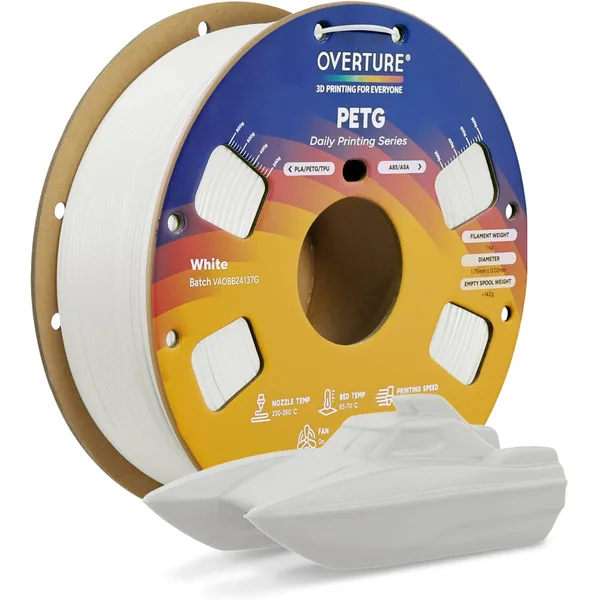
Overture PETG (1kg)
$22Overture · budget
The default budget PETG. Tighter diameter tolerance than most sub-$25 PETG, prints clean on all major slicers, no enclosure needed.
- $0.022 / gram
- Heat resistant to ~75°C
- Reliable bed adhesion on PEI
After a few months of PLA, every A1 Mini owner eventually wants to print something more functional — a phone case, a tool handle, a part that needs to live in a hot car. That’s PETG territory, and Overture PETG is the right first PETG to try.
Why Overture PETG works well on the A1 Mini specifically:
- Tight diameter tolerance (±0.02mm) — important because PETG is more sensitive to extrusion inconsistencies than PLA
- Lower print temperature (~235°C) within the A1 Mini’s stock hotend range — the A1 Mini is technically rated for materials up to 300°C but works most reliably under 250°C
- Reliable bed adhesion on the A1 Mini’s textured PEI plate — PETG can be tricky to release on smooth plates, but the A1 Mini’s textured surface handles it well
The catch with PETG on the A1 Mini:
- Slower printing — you’ll want to reduce print speed to ~70% of PLA defaults for clean PETG output
- More stringing — tune retraction settings using Bambu Studio’s calibration test
- Don’t use AMS Lite for PETG — PETG can sometimes cause feed issues in the AMS Lite. Print direct from spool instead.
Buy this for: Functional prints, items that need heat resistance, your second filament type after PLA.
Specific A1 Mini settings for each filament
The A1 Mini ships with default Bambu Studio profiles for most common filament types. But the right settings vary by filament. Here are the values that work for each pick above:
Bambu PLA Basic (or any standard PLA)
- Nozzle temp: 215°C
- Bed temp: 65°C
- Print speed: 250 mm/s (Bambu default)
- Layer height: 0.20mm for everyday, 0.12mm for fine detail
- Cooling fan: 100% from layer 3
Sunlu PLA+
- Nozzle temp: 215-220°C (slightly higher than standard PLA)
- Bed temp: 60°C
- Print speed: 200 mm/s (slightly slower for cleaner walls)
- Layer height: 0.20mm
- Cooling fan: 100% from layer 3
Polymaker PolyTerra Matte
- Nozzle temp: 210°C (matte filaments print slightly cooler)
- Bed temp: 60°C
- Print speed: 200 mm/s
- Layer height: 0.16mm (sweet spot for matte finish)
- Cooling fan: 100% from layer 3
Overture PETG
- Nozzle temp: 235°C
- Bed temp: 75°C
- Print speed: 150 mm/s (PETG needs slower speeds than PLA)
- Layer height: 0.20mm
- Cooling fan: 50% from layer 3 (PETG needs less cooling than PLA)
- Z-offset: +0.05mm vs PLA default (the textured plate needs more clearance for PETG)
If you’re new to slicer settings, just pick the right material profile in Bambu Studio’s filament dropdown — it loads all of these automatically. The values above are for advanced users who want to verify or tweak.
Calculate the cost of any A1 Mini print
Use our filament cost calculator to model the per-print cost on the A1 Mini for any of these filaments. Drop in the spool price + grams used and it gives you the exact cost. For a typical 30-gram A1 Mini print, the cost ranges from $0.45 (Sunlu PLA+) to $0.75 (Bambu PLA Matte) — the spread is small but compounds over hundreds of prints.
For the full electricity + filament cost picture, the print cost calculator handles both at once. The A1 Mini is one of the cheapest printers to run in 2026 — about $0.012/hour in electricity at US average rates.
Frequently asked questions
Do I have to use Bambu filament with my Bambu A1 Mini?
No. The A1 Mini works with any 1.75mm filament from any brand. The only thing you give up by using non-Bambu filament is AMS RFID auto-detection. For non-AMS users, there’s no downside.
What’s the cheapest filament that works with the A1 Mini?
Sunlu PLA+ at ~$15/kg. Anything cheaper is a quality gamble that’s not worth it on a $299 printer where one bad spool can clog the smaller hotend and ruin your day.
Can I use Bambu X1 Carbon profiles on the A1 Mini?
No. The A1 Mini has different kinematics, different hotend capacity, and different acceleration limits than the X1C. Always use A1 Mini-specific profiles in Bambu Studio. The AMS Lite uses different feed mechanics than the full AMS too.
Does the A1 Mini print TPU?
Technically yes, but it’s the worst printer in the Bambu lineup for TPU because it’s a Bowden setup (filament travels through a long PTFE tube before reaching the hotend) and TPU prefers direct drive. If you want to print TPU regularly, get a P1S or P1P. The A1 Mini handles TPU 95A poorly and softer TPU not at all.
Does the A1 Mini print ABS or ASA?
No. ABS and ASA need an enclosed chamber to stay warm during printing — the A1 Mini is open-frame and parts will warp badly. If you need ABS/ASA, the P1S is your minimum.
Should I dry filament before printing on the A1 Mini?
For PLA: not usually unless you live somewhere humid. For PETG: yes if it’s been open for more than 2 weeks. For TPU (which you probably shouldn’t be printing on the A1 Mini anyway): always. See the filament drying guide for the full details.
What filament colors work best on the A1 Mini?
For first-time buyers: black (hides imperfections), white (universal default), and a vivid color you actually want (red/blue/green/yellow). Skip translucent and metallic-fill filaments at first — they’re harder to print well and have more failure modes than standard pigmented PLA.